What is SoulGen?
SoulGen AI is a creative AI platform built primarily around generating characters and visual content. Give it a description and you can create realistic portraits, anime-style characters, and completely imagined scenes without needing to know anything about complicated AI models or settings.
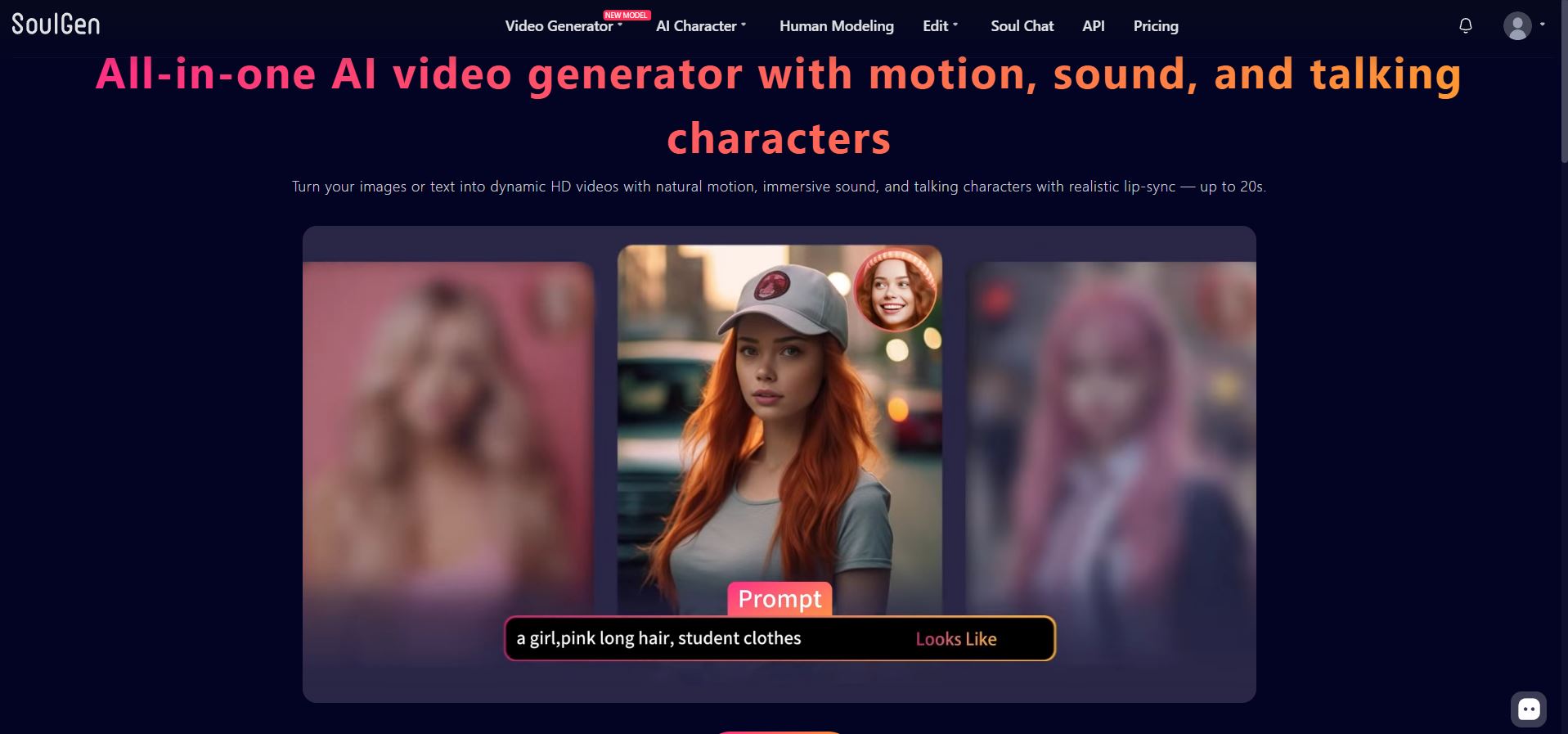
The platform has grown well beyond basic text-to-image generation. SoulGen now includes AI video generation, image editing, outpainting, reference-based creation, and tools for transforming existing images. Its video generator can add motion and sound, with SoulGen advertising clips of up to 20 seconds.
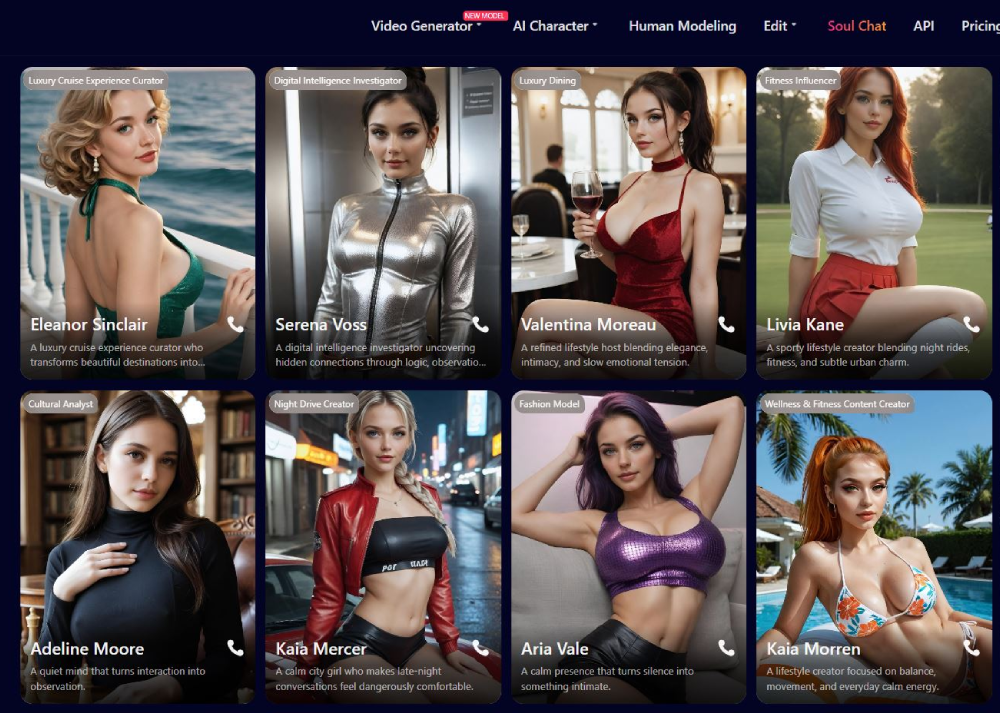
There’s also Soul Chat, which takes SoulGen into AI companion territory. Users can create a Soulmate, exchange messages, generate images during chats, and make voice calls. That makes SoulGen an interesting hybrid: the visual creation tools still feel like the main attraction, but there’s now a companion experience attached to them.
Main Features
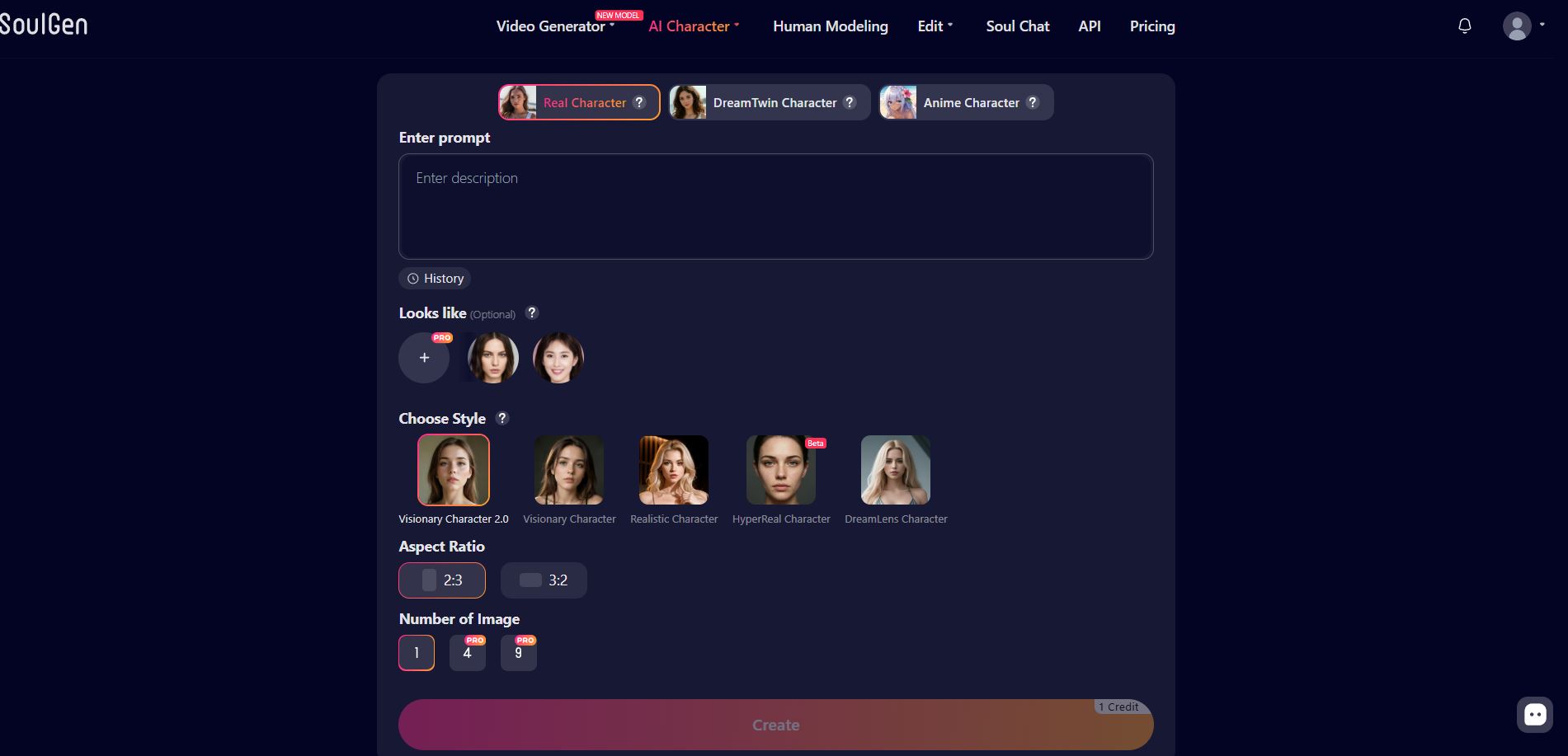
Create Realistic or Anime AI Characters
Character creation is where SoulGen feels most at home. Describe the character you have in mind and the platform can turn the prompt into either realistic or anime-style artwork. It’s straightforward enough for quick generations but gives you room to get much more specific with appearance and scene details.
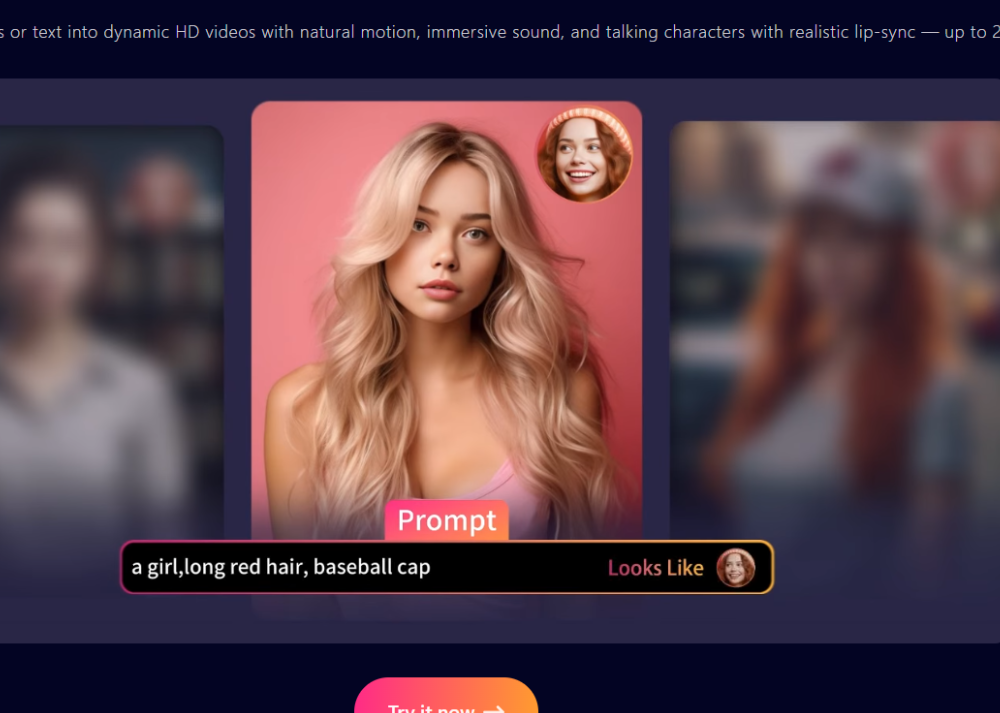
SoulGen also has a Looks Like feature that uses a reference image when creating a character. This can be useful when you’re trying to maintain a particular visual direction instead of getting a completely different character every time. The feature costs additional credits compared with standard character generation.
Turn Your Creations Into Videos
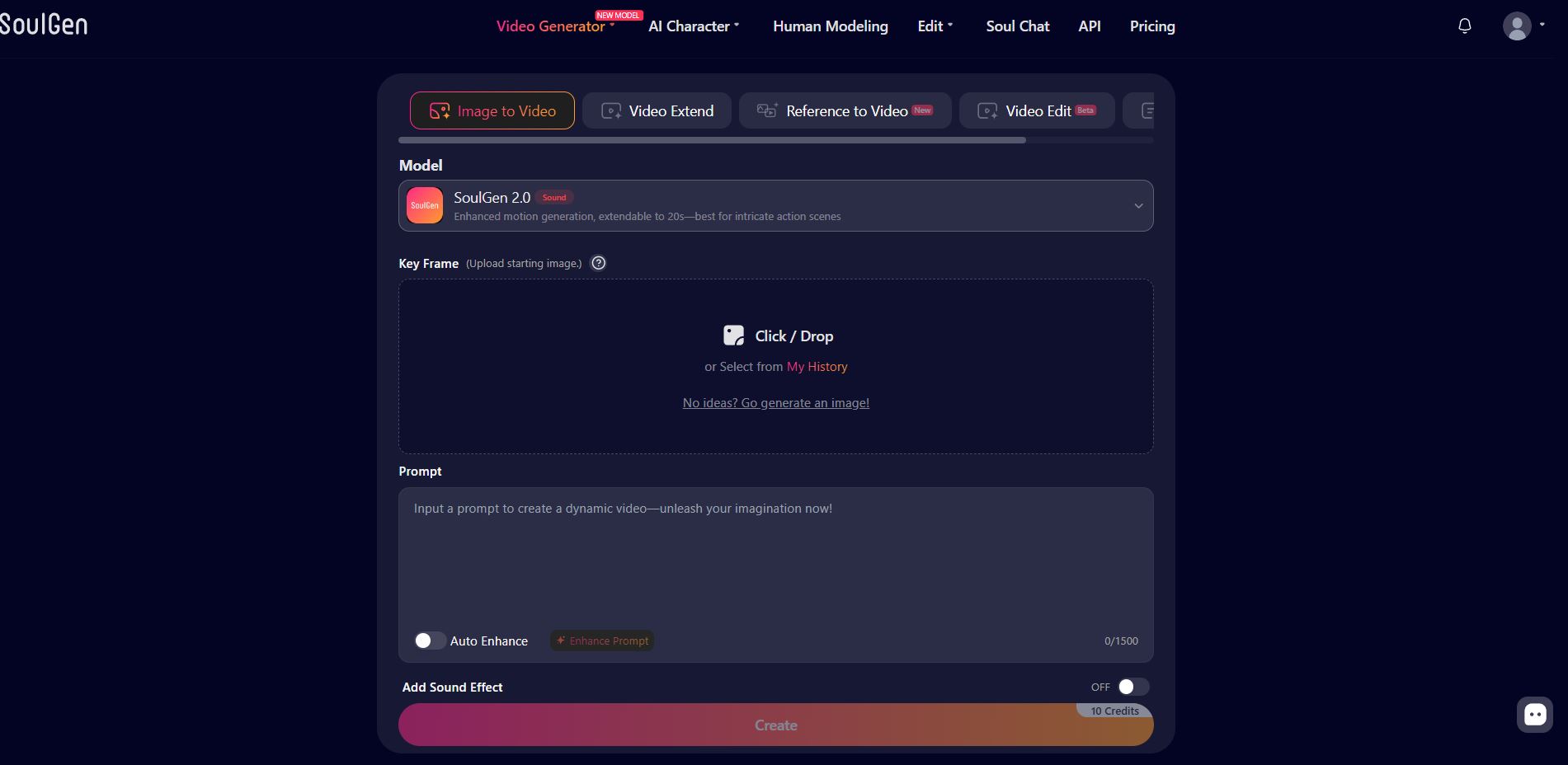
SoulGen isn’t limited to still images anymore. Its video tools can animate characters and scenes with motion, sound, and talking-character features such as lip synchronization. Current options include SoulGen 2.0, SoulOmni, SoulOmni Flash, reference-to-video and dedicated video editing.
This gives the platform a much more interesting workflow: create the character you want, generate the right image, then turn that creation into a short video instead of taking it to another AI platform.
Video generation is considerably more credit-intensive than images, though, particularly at 1080p. That’s something heavy video users should keep in mind before choosing SoulGen primarily for this feature.
Edit, Expand, and Rework Images
You don’t always have to throw away a generation because one part isn’t right.
SoulGen’s editing tools let you select an area of an image and describe what you want changed. You can add new elements, remove unwanted details, transform portions of an existing creation, or use AI outpainting to extend an image beyond its original borders.
This is one of the more useful parts of SoulGen because it turns the platform into more than a generate-and-download tool. You can continue working on an image until it’s closer to what you originally imagined.
Soul Chat
Then there’s the more playful side of SoulGen.
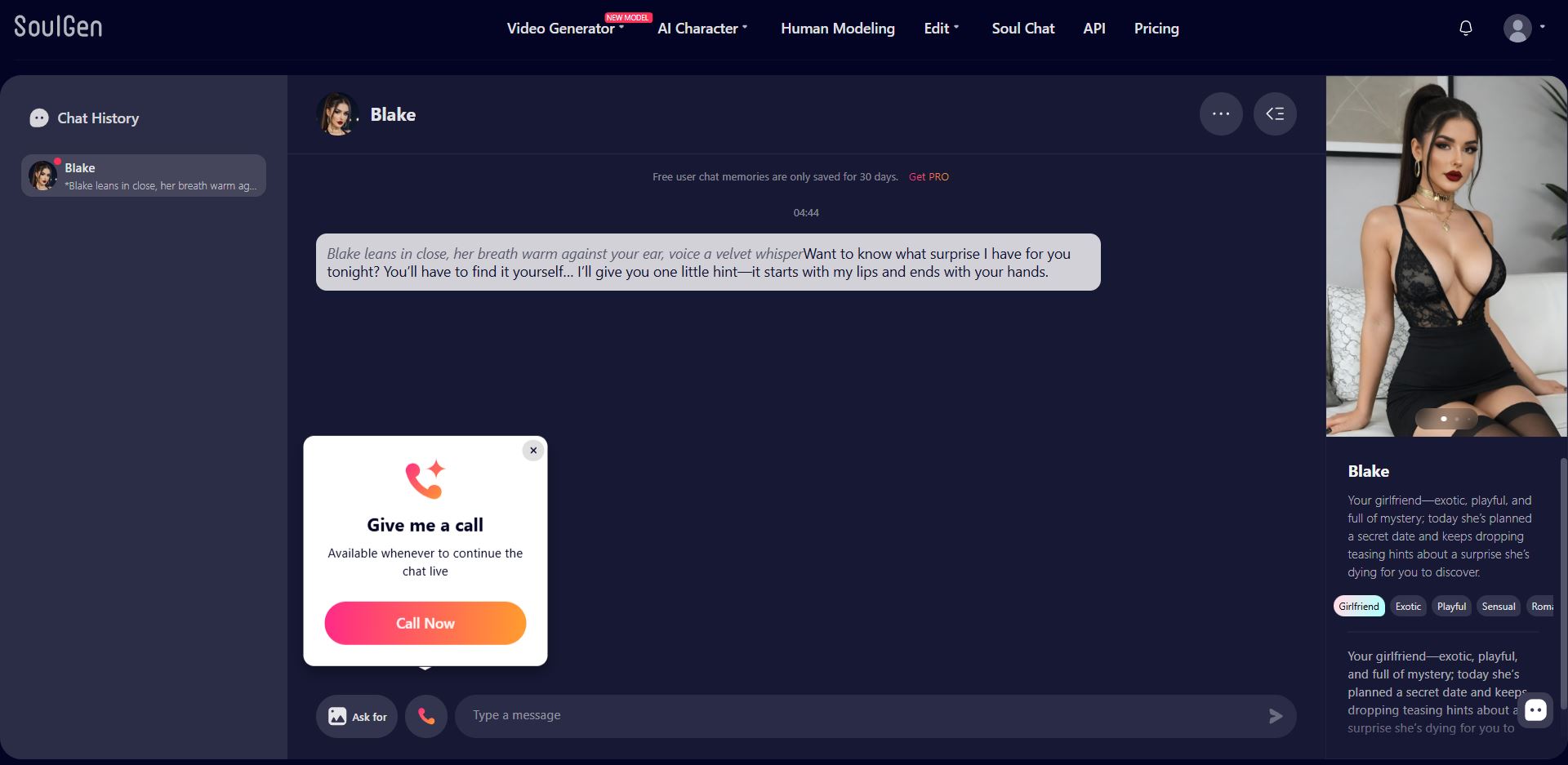
Soul Chat lets you interact with AI characters instead of only creating pictures of them. Text messages, generated images, voice calls, and custom Soulmates are all part of the current credit system.
I wouldn’t choose SoulGen purely as a chat platform, the visual creation tools are clearly a major part of its identity. But having chat built into the same ecosystem is a nice bonus if you like the idea of actually interacting with the characters you’re creating.
Pricing
SoulGen uses a combination of Pro membership and credits.
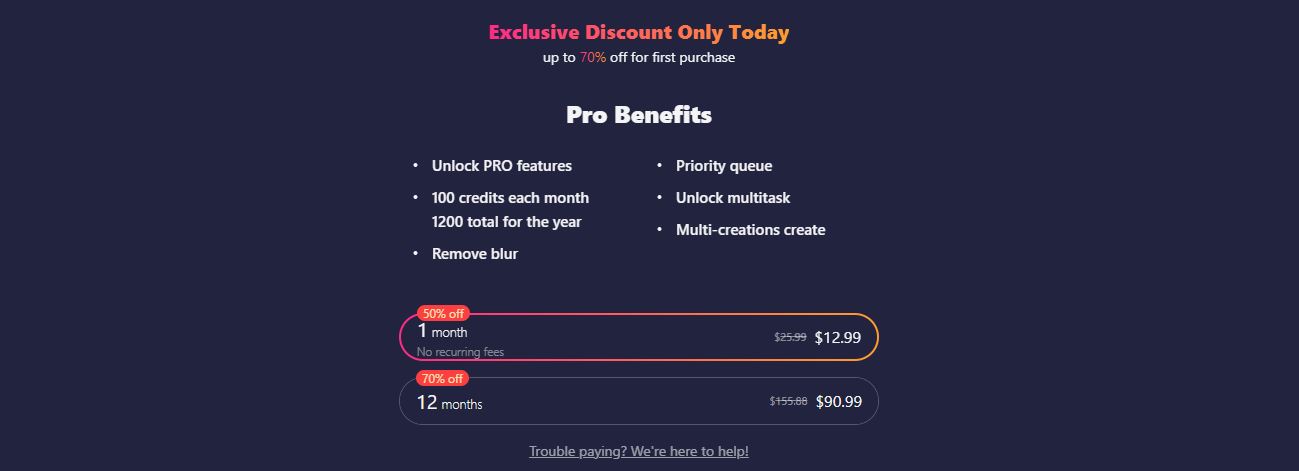
According to SoulGen’s current subscription terms, Pro is listed at $12.99 per month and includes 100 credits each month alongside benefits such as removing blur, priority generation, multitasking, multiple creations, and image editing. SoulGen’s pricing page is currently advertising promotional discounts as well, so the actual checkout price may be lower depending on the offer available when you subscribe.
Credits are then spent according to what you create. A standard AI character image can cost as little as 1 credit, while using the Looks Like option costs 2. Smart editing generally starts around 3 credits. Video generation uses substantially more: SoulGen 2.0 starts at 10 credits for five seconds without audio, while higher-resolution SoulOmni generations can reach 24 credits for five seconds at 1080p.
Soul Chat consumes the same credit balance, with text messages, generated images, voice calls, and creating a Soulmate each carrying their own credit cost.
So while the subscription itself isn’t particularly expensive, how far those credits go depends heavily on what you’re creating. Someone mainly generating images will stretch them much further than someone making videos regularly.
Is SoulGen Worth It?
SoulGen AI is most interesting for someone who wants to create characters first and experiment with them afterward.
Its biggest advantage is how much you can now do without leaving the platform. You can generate a character, edit the result, expand the scene, animate it into a video, and even interact with characters through Soul Chat. SoulGen itself currently positions the product as an all-in-one image and video generation platform, and that description fits the current feature set pretty well.
The main thing I’d watch is credit usage. Images are relatively inexpensive, but video generation can burn through a 100-credit monthly allowance surprisingly quickly. There have also been recent user complaints specifically about the amount of video creation available after subscribing, so heavy video creators should check the current credit costs before paying.
For someone primarily interested in creating custom AI characters and artwork with video, editing, and companion features available when they want them—SoulGen AI is definitely worth trying. It has developed into a much broader creative platform than the simple character generator it originally became known for.