What is ClipMode?
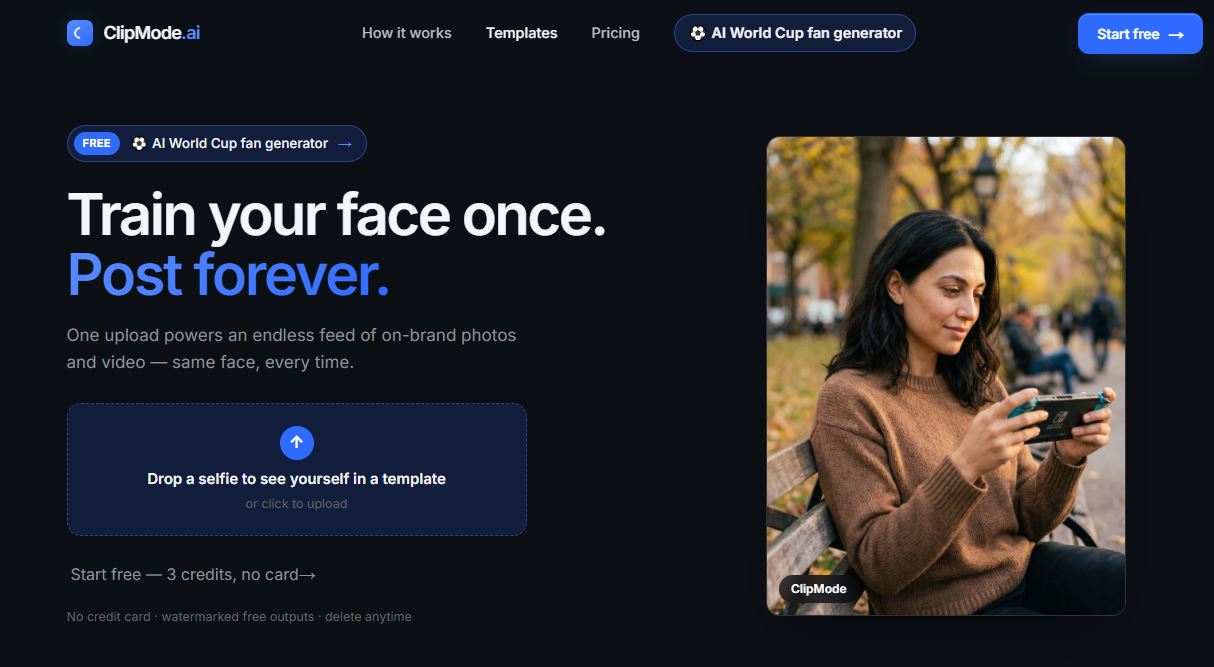
ClipMode is an AI image and video creation platform built around personalized content. Instead of being limited to generic AI generations, you can train models using your own photos and use them across different image and video workflows.
The platform brings image generation, video generation, custom model training, templates, and editing tools into one Studio. Unlike some tools in our list, ClipMode is SFW only. However, it doesn’t mean you can’t create something amazing from the platform, aside from that it also supports several AI models, giving you different options depending on the type of content you want to create.
You can start with existing templates for quicker generations or build something more customized using your own model and prompts.
Main Features
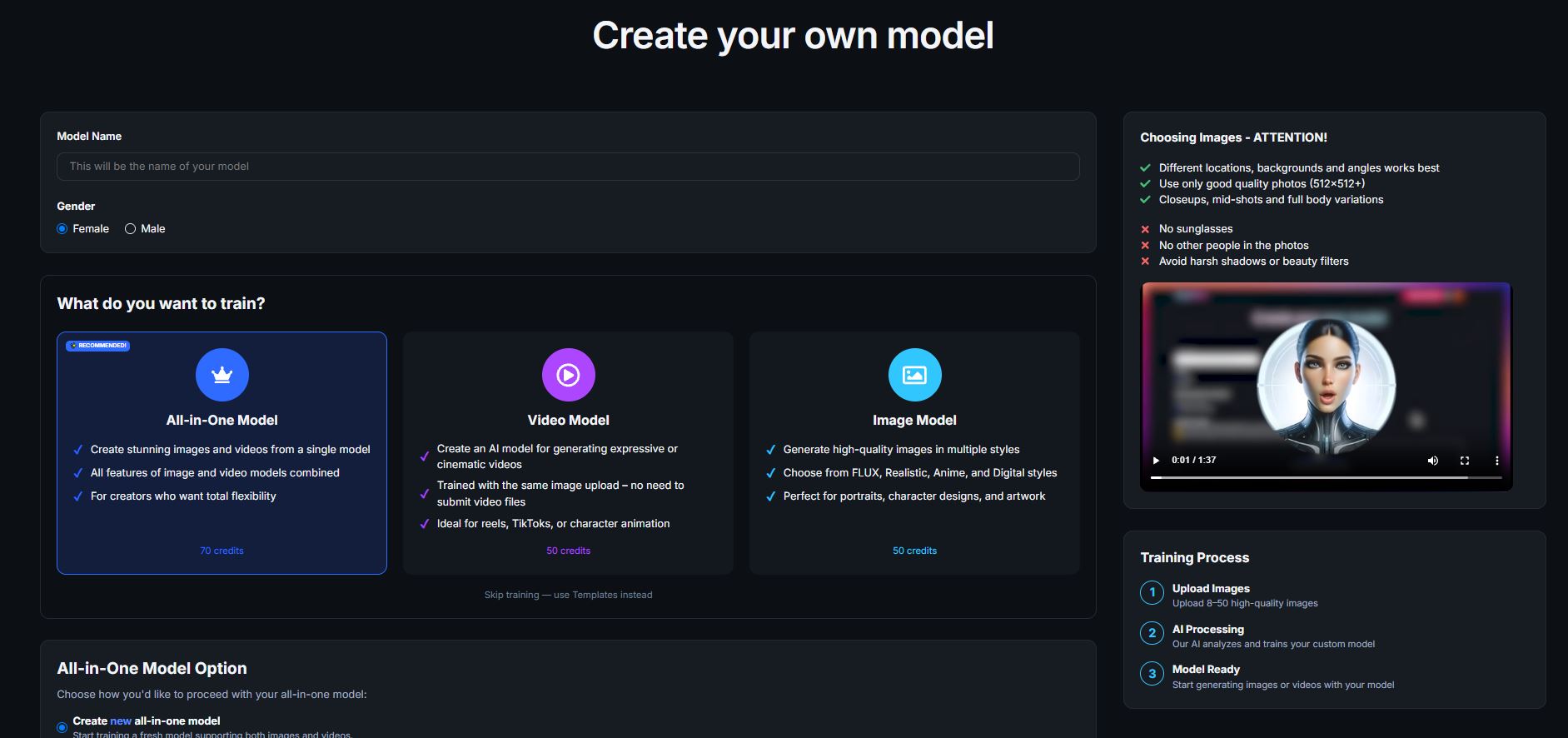
Train Your Own AI Model
If you want consistent generations and characters, ClipMode lets you train your own custom AI model.
You can upload a set of photos and train a model around that identity, which can then be used when creating new images and content. This is especially useful if you’re creating an AI influencer, recurring character, or simply want the same person to appear across multiple generations.
There’s also Expresso training, which provides a quicker option using only a small number of reference images.
Once your model is ready, you can use it throughout ClipMode instead of having to re-establish the character every time you generate something. If you don’t want to train, they have dozens of public models that you can play with!
Create Images From Text or Use Templates
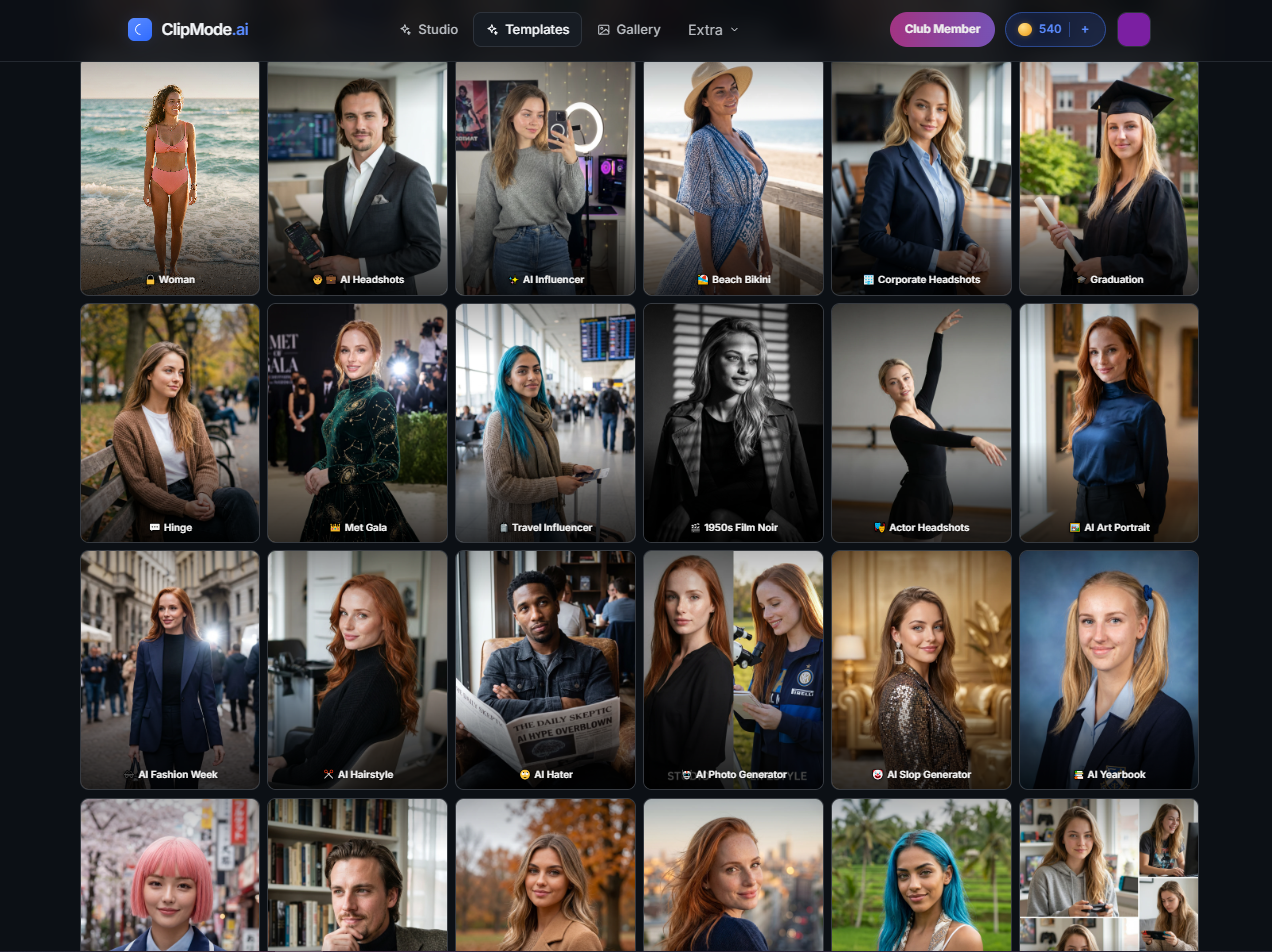
ClipMode gives you several ways to generate images.
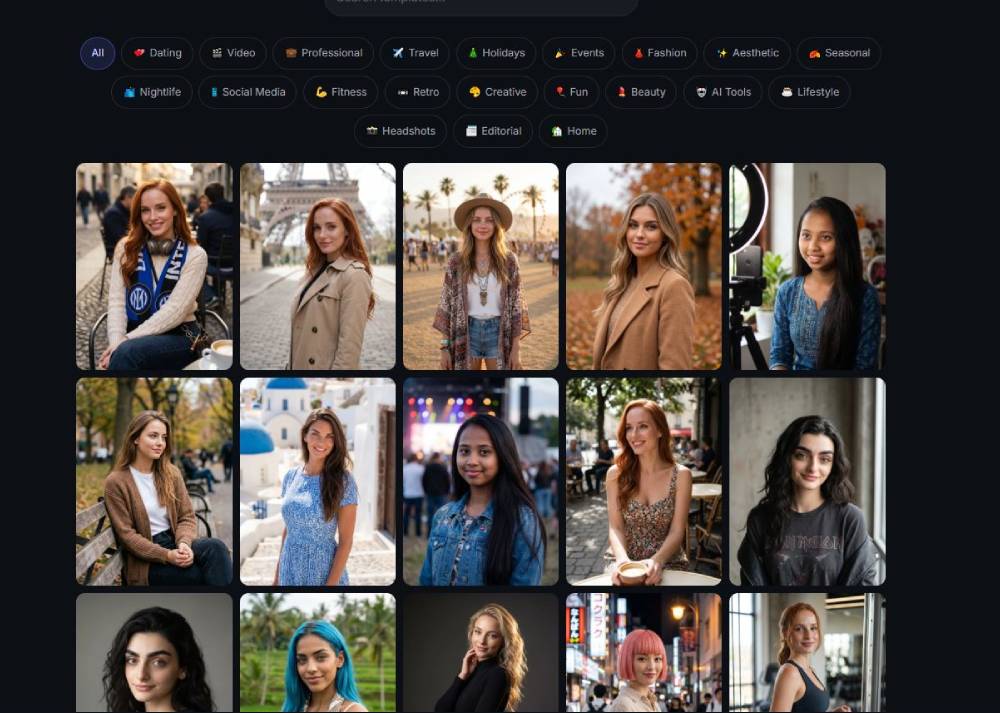
You can generate from a prompt, use your trained identity, or start with existing templates instead of building everything manually. Different models and styles are available depending on the type of result you’re going for, including realistic and more stylized content.
The Templates library is particularly useful if you don’t want to spend much time experimenting with prompts. Pick a template, choose your model or identity, and use it as the starting point for your generation.
Create AI Videos from Text or Images
Video generation is a big part of ClipMode, with options for both text-to-video and image-to-video inside Studio.
You can generate a video directly from a prompt, or start with an image you’ve created or uploaded and animate it. ClipMode gives you access to different video models along with controls for things like duration, aspect ratio, and audio.
There’s also Clip Mode, which is especially useful when you want to animate your own characters or identity images. Choose an image, describe the movement you want, and turn it into a short video.
Import and Use Your Own LoRAs
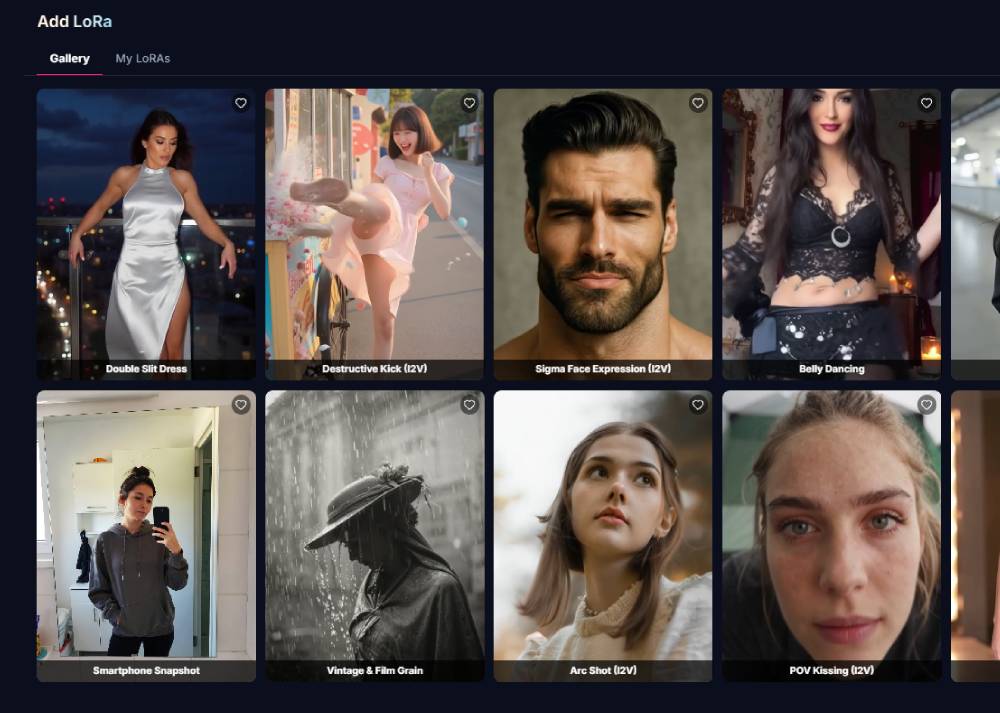
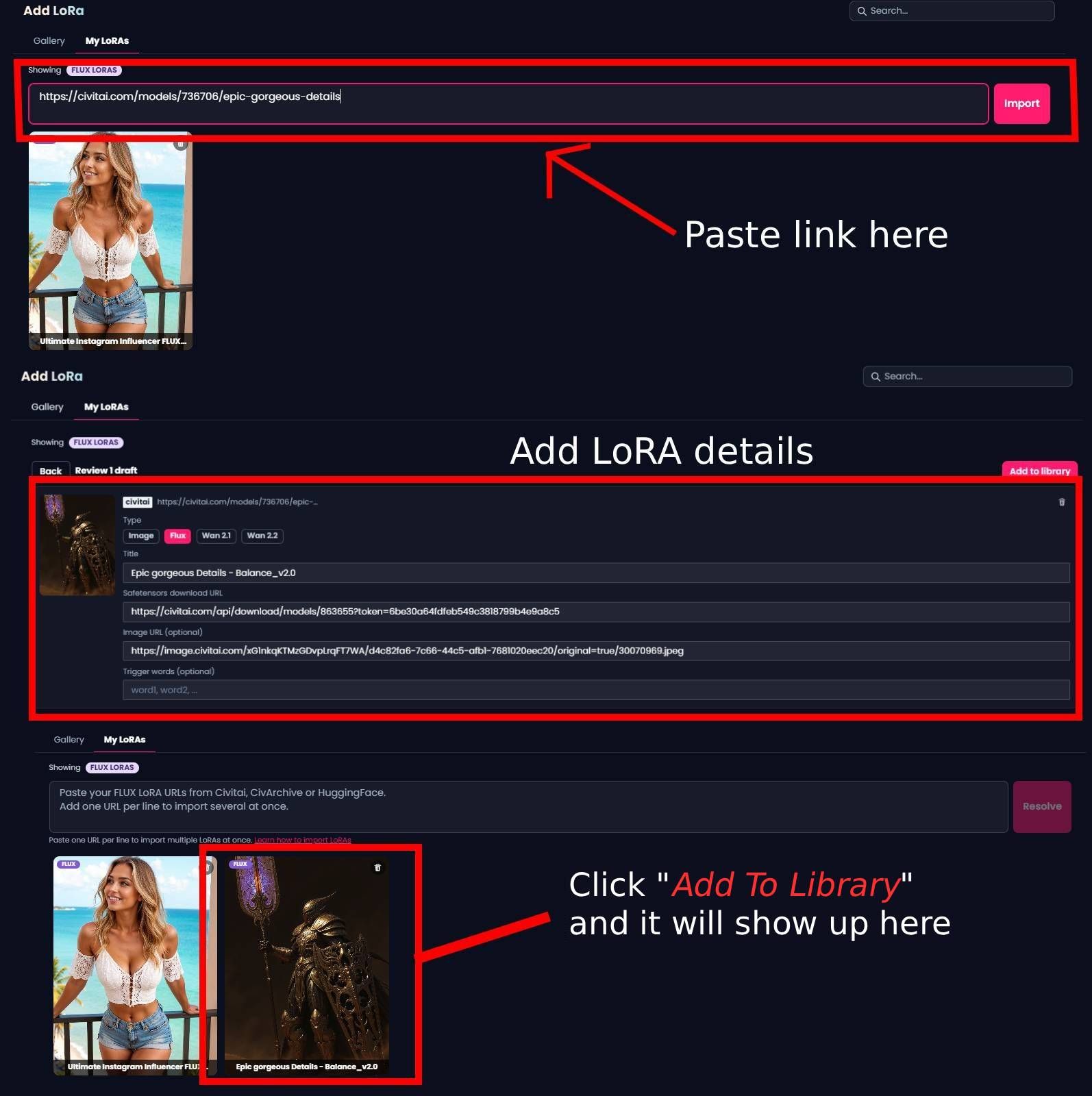
What makes ClipMode standout are the LoRAs! You can choose from their own library or bring LoRAs from sites like Civitai into the platform, giving you access to custom styles, characters, concepts, and other trained models without having to set them up locally.
Just paste the LoRA URL and import it into ClipMode. You can customize details like the name, preview image, and trigger words, and you can even import multiple LoRAs at once by adding one URL per line.
Once imported, your LoRAs are available to use inside Studio, making it much easier to experiment with community-created models while keeping everything in the same workflow.
Pricing
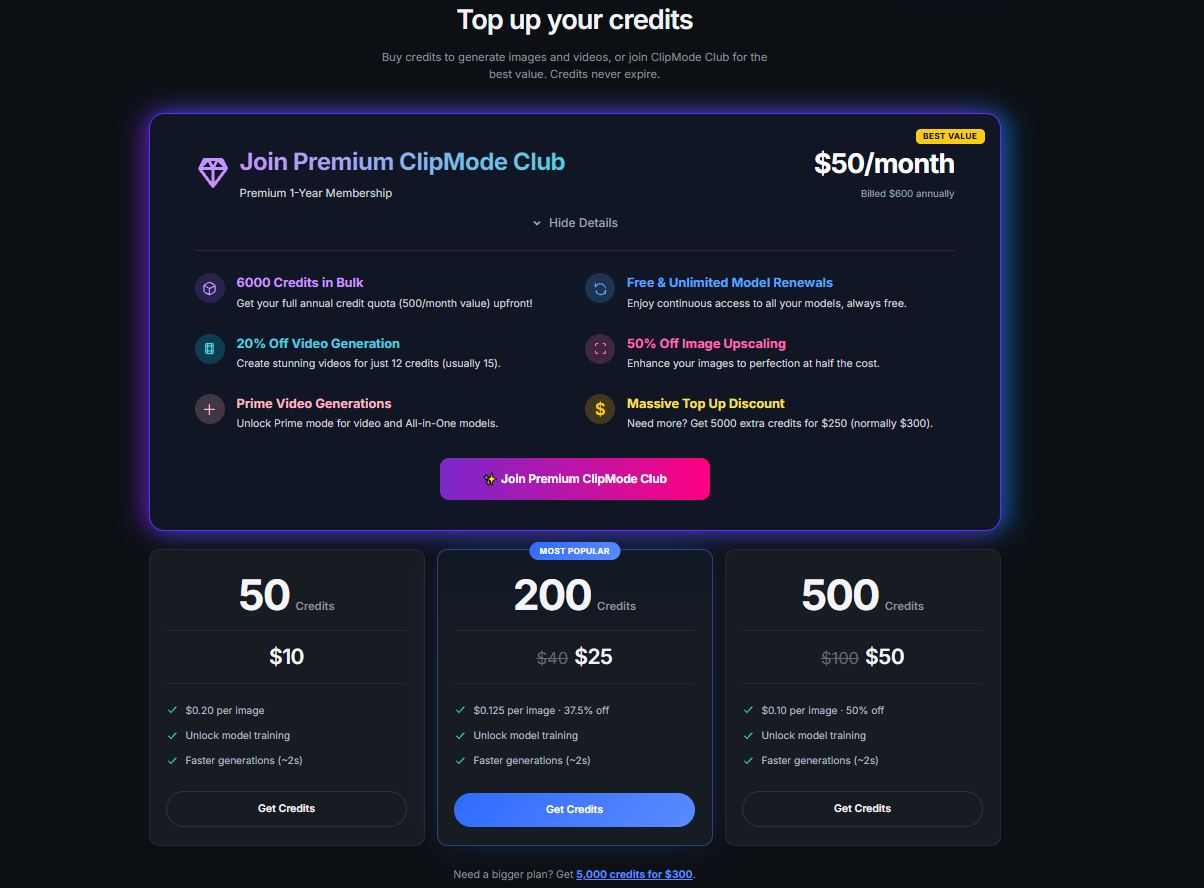
ClipMode uses a credit-based system, with different plans depending on how much image generation, video generation, and model training you need. Credits never expire, so you can top up whenever you need more without committing to a subscription.
Current credit packs include: 50 Credits for $10 up to 5,000 Credits for $300
For more active creators, there’s the Premium ClipMode Club at $50/month, billed $600 annually. The membership gives you 6,000 credits upfront, equivalent to 500 credits per month, along with extra benefits including: Unlimited model renewals, 20% off video generation, 50% off image upscaling, Access to Prime video generations, and Discounted credit top-ups — 5,000 additional credits for $250
The regular credit packs make sense if you generate occasionally, while Premium is aimed more at people creating images and videos regularly.
Is ClipMode Worth It?
ClipMode is a good option if you want to create both AI images and videos without jumping between several different platforms. Custom model training is one of its stronger features, especially if you’re creating content around the same character or identity regularly.
The addition of templates also makes the platform easier to get into if you’re not great at prompting yet. There are plenty of tools packed into Studio, although you’ll want to keep an eye on credit usage if you’re generating a lot of videos.
Overall, it’s a solid all-in-one option for creators who want more than a basic AI image generator.