What is MakeCorn?
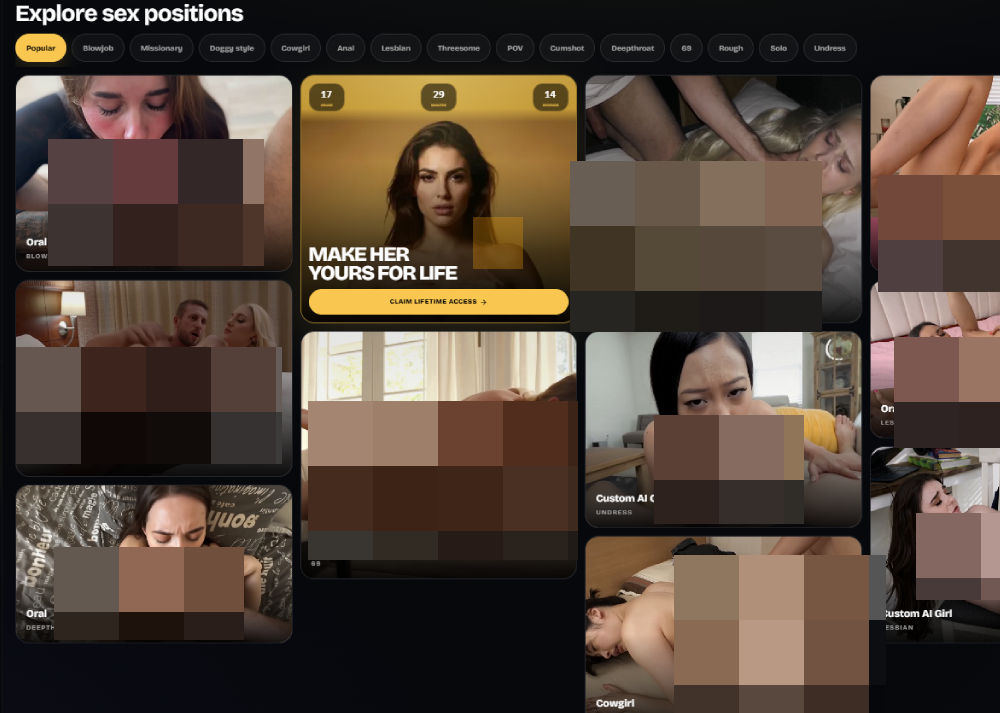
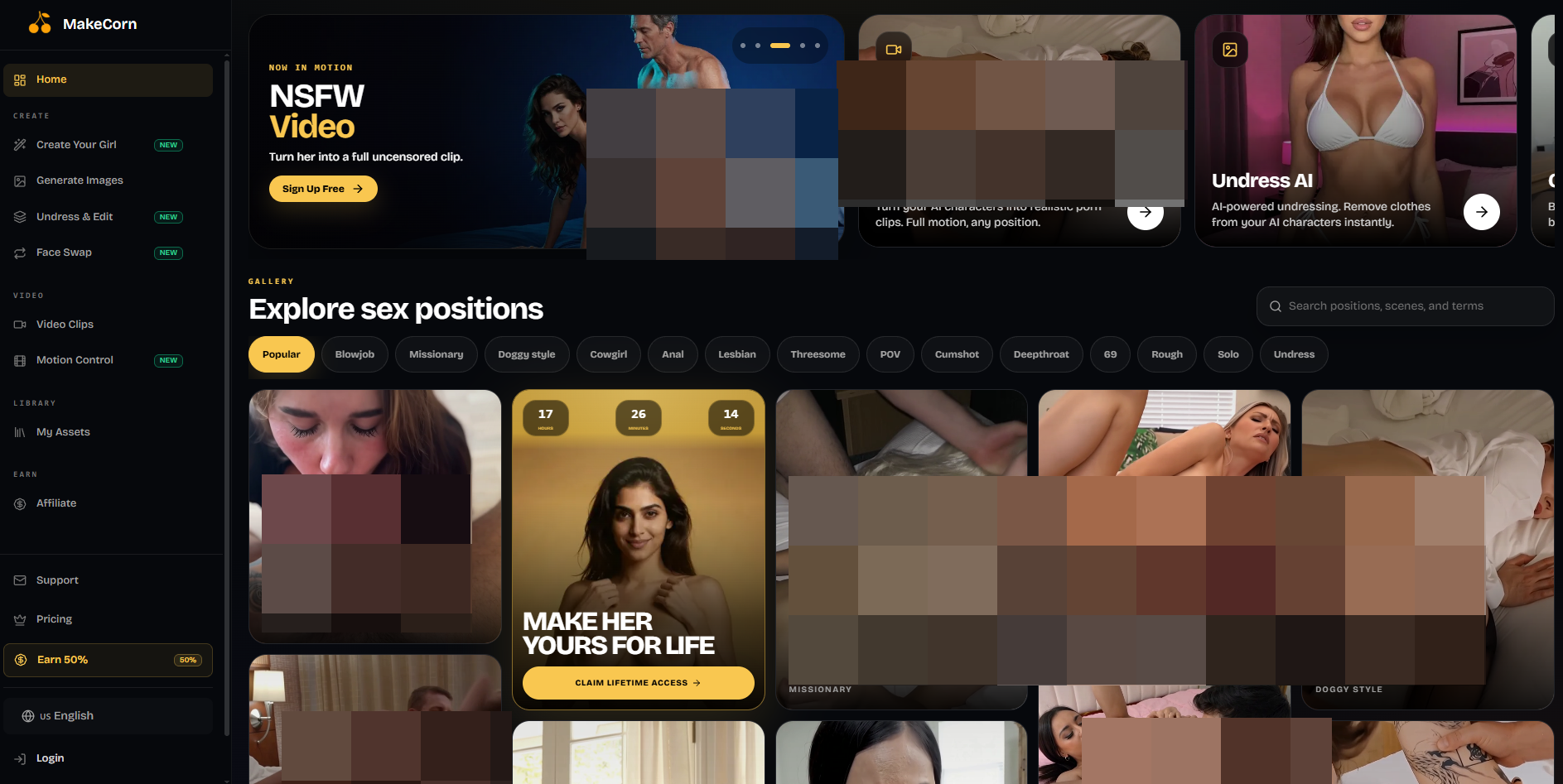
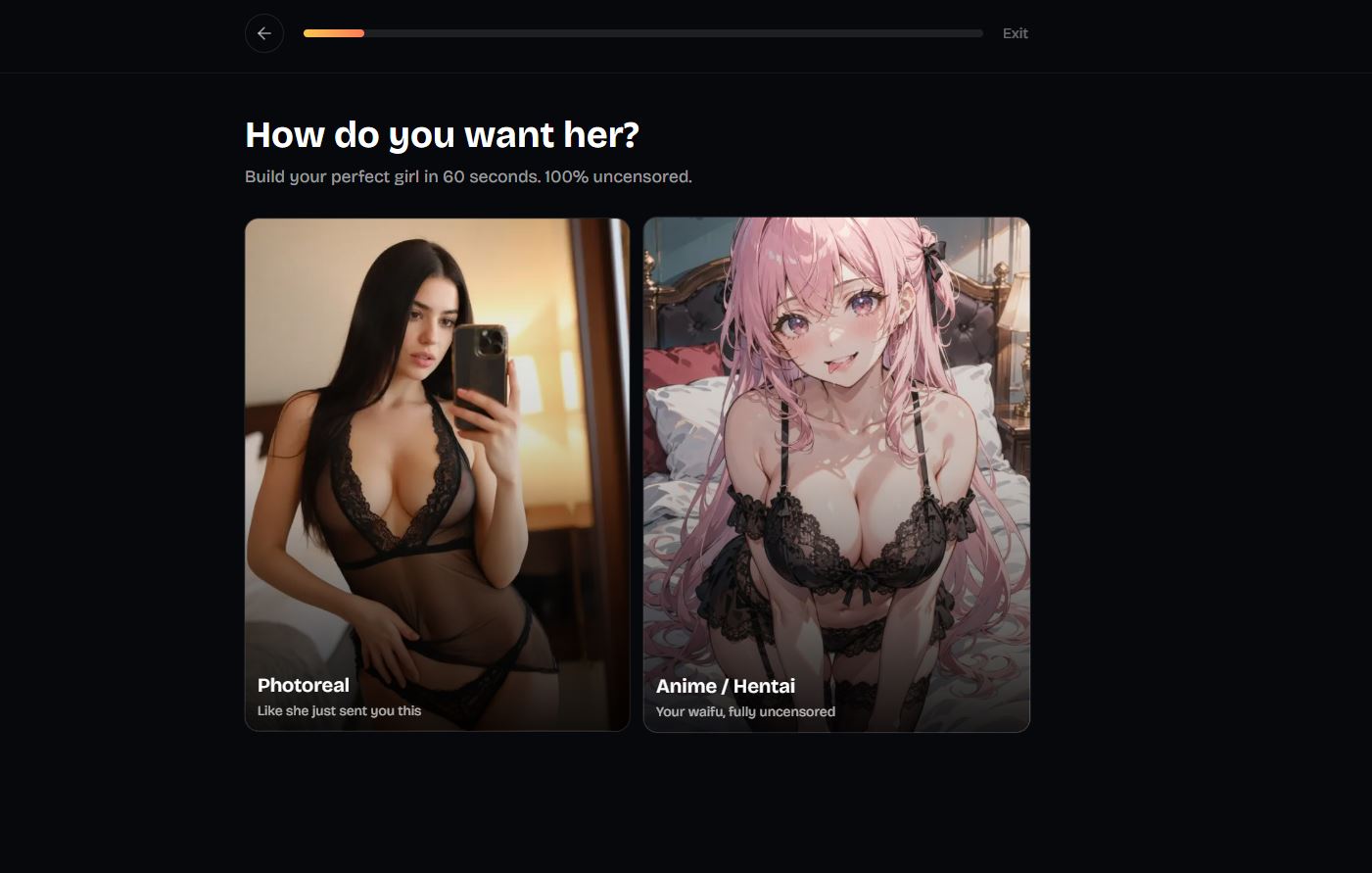
MakeCorn is an AI content creation platform built around generating custom characters, images, and videos. It gives creators a fairly complete set of tools in one place, including text-to-image generation, image editing, character creation, and image-to-video.
The platform is definitely on the spicier side, with fewer restrictions than you’d find on mainstream AI generators. It’s aimed at adults who want more freedom over the characters and content they create.
Main Features
AI Image Generation
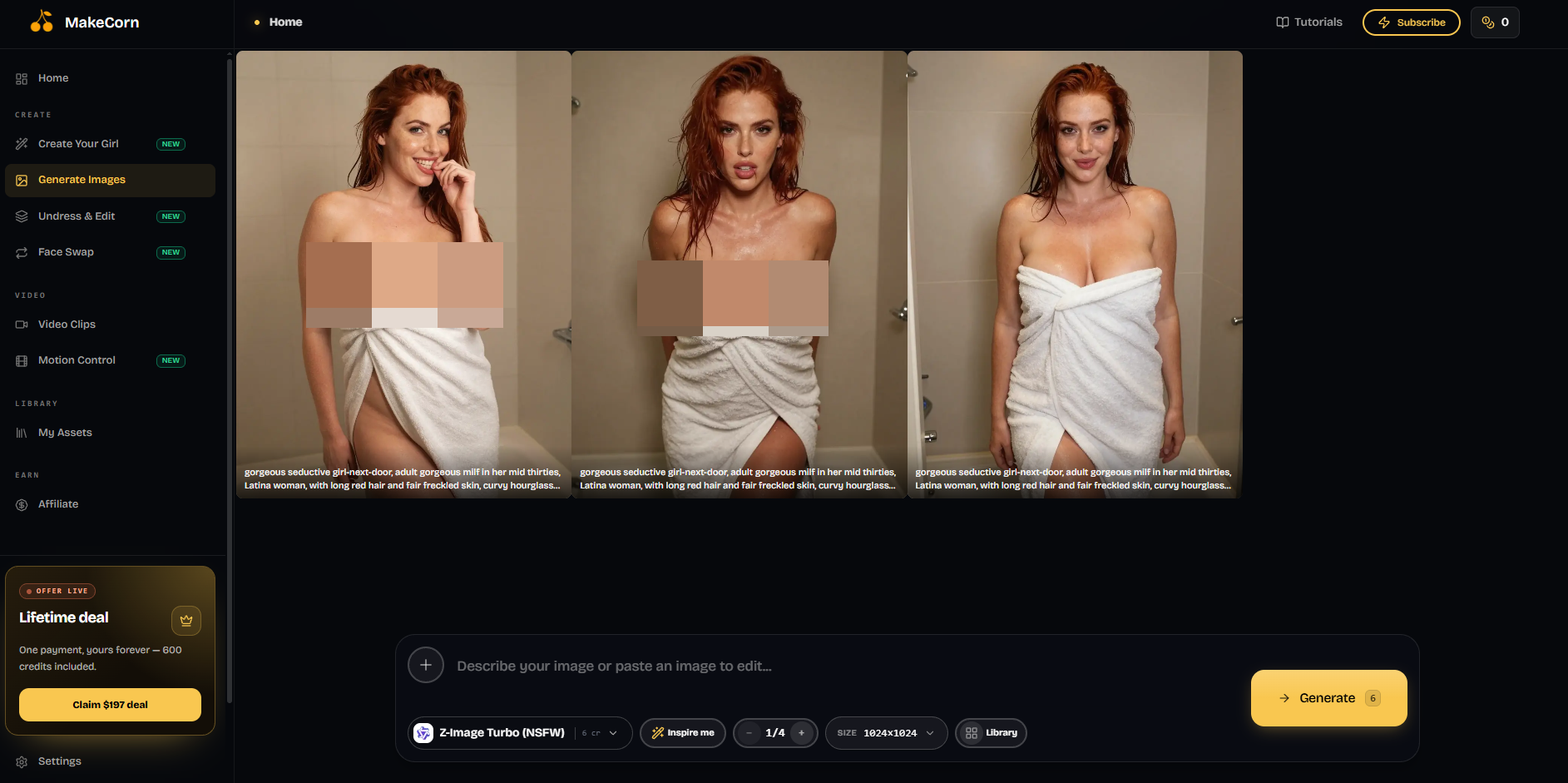
Image generation is one of MakeCorn’s main features. You can describe what you want using a prompt, choose a model and settings, and generate your image directly inside the platform.
There are more than 10 AI models available, including options such as Flux Pro, Flux Realism, SDXL, and Ideogram. That gives you some flexibility depending on whether you’re going for realistic images, stylized characters, or something more creative.
MakeCorn also supports resolutions up to 8K according to its image-generator page.
AI Image Generation
Image generation is one of MakeCorn’s main features. You can describe what you want using a prompt, choose a model and settings, and generate your image directly inside the platform.
There are more than 10 AI models available, including options such as Flux Pro, Flux Realism, SDXL, and Ideogram. That gives you some flexibility depending on whether you’re going for realistic images, stylized characters, or something more creative.
MakeCorn also supports resolutions up to 8K according to its image-generator page.
AI Video Generation
MakeCorn isn’t limited to still images. You can also turn your creations into short AI videos.
One of the more useful workflows is creating a strong character image first and then animating it. This makes MakeCorn interesting if you’re trying to create multiple pieces of content around the same character instead of generating unrelated images every time.
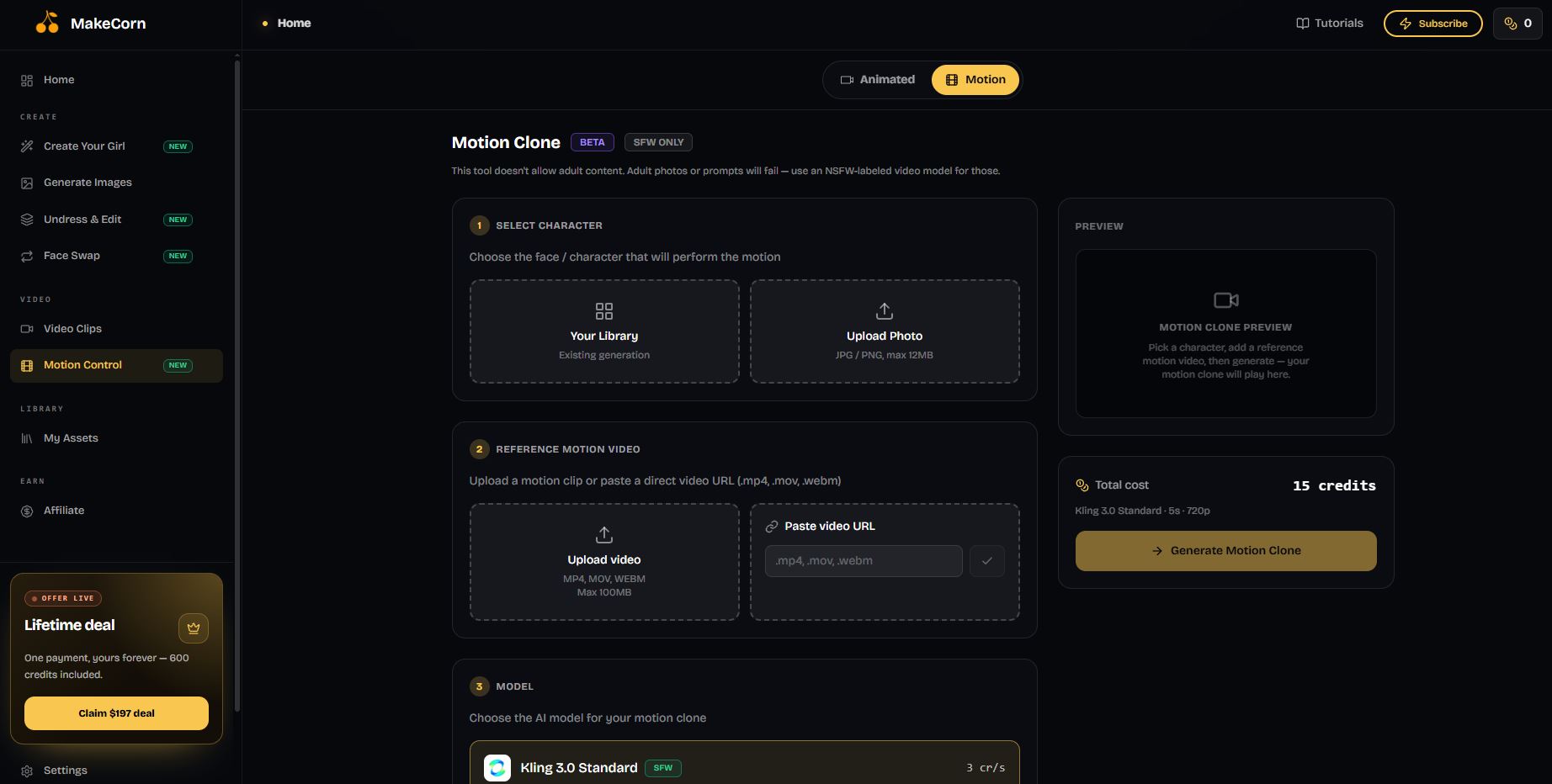
Undress and Edit
There are several editing tools built into the platform, so you don’t necessarily have to regenerate an entire image whenever you want to change something.
You can undress and edit outfits and styling, replace backgrounds, make adjustments to faces, and use natural-language instructions to describe the changes you want. Face swapping is available as well. This makes the workflow feel more like an AI creative studio than just a basic prompt-to-image generator.
Pricing
MakeCorn uses a credit-based system.
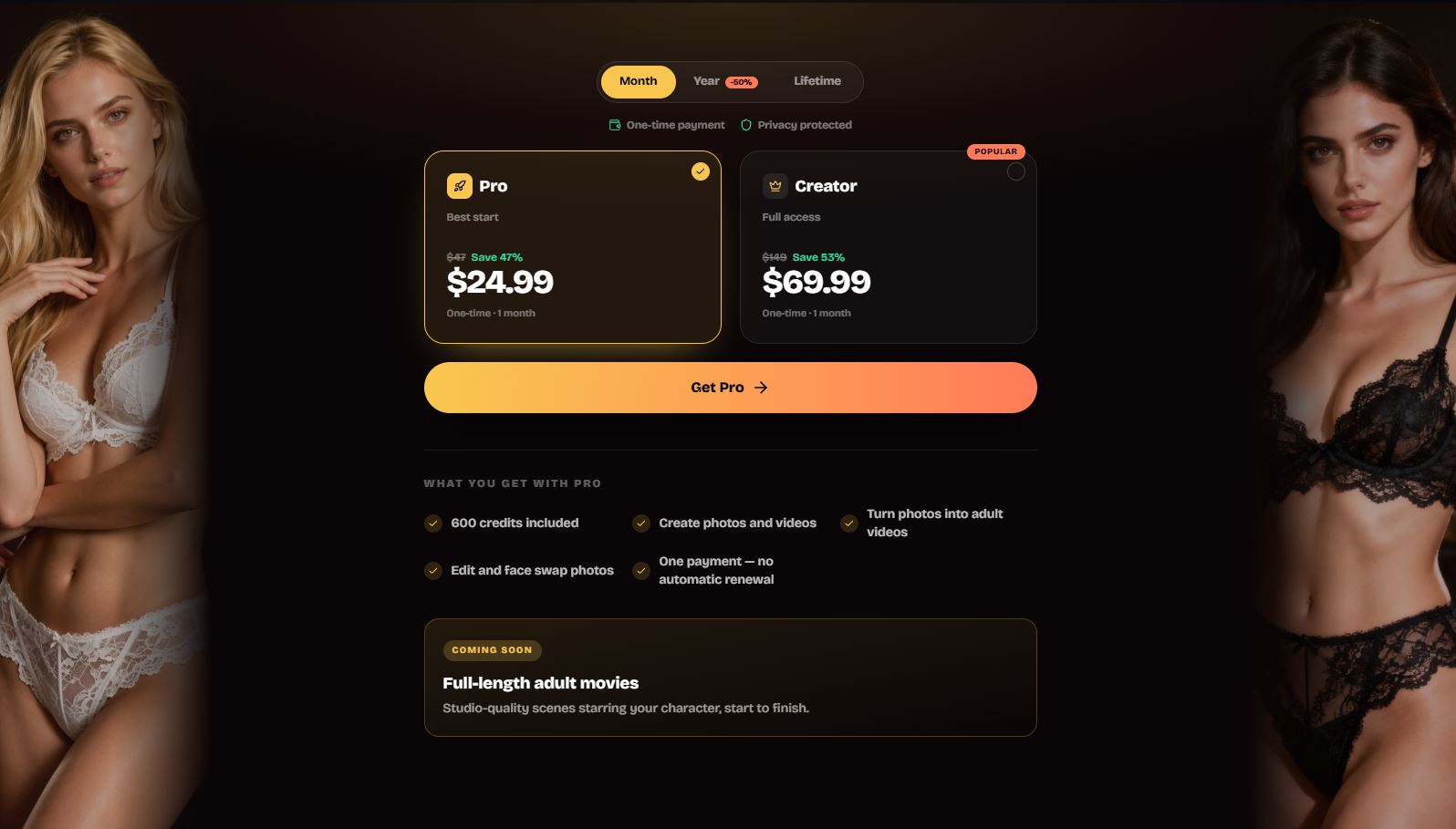
The current pricing page shows a Pro option at $24.99 for one month, including 600 credits, with image and video creation, photo-to-video, image editing, and face swapping. The page currently describes this as a one-time payment without automatic renewal. Pricing and promotions can change, so it’s worth checking their pricing page before purchasing.
Is MakeCorn AI Worth It?
MakeCorn is worth checking out if you’re mainly interested in AI character creation and want considerably more freedom than you’d get from mainstream generators.
The biggest advantage is how much is available inside one platform. You can build an original character, generate images, edit them, animate them, and even experiment with longer multi-scene videos without having to move your project between several different AI tools.
It won’t be for everyone, the platform very clearly caters to an adult audience—but that’s also exactly what separates it from more restricted AI generators.
If you’re looking for something that can handle both images and video and you’re not afraid to make things a little spicy, MakeCorn is one of the more feature-packed platforms we’ve come across.